Operations
3 Restaurant POS Systems That Make Multi-Channel Ordering Easier
Three restaurant POS systems for multi-channel ordering, Orders.co, Square, and GoTab, compared on delivery apps, direct ordering, menu sync, kitchen routing, reporting, and which fits dine-in, delivery-heavy, or hospitality venues.
Key Takeaways
- Multi-channel ordering spans dine-in, phone, direct web, catering, and delivery apps, success depends on one workflow, not more tablets.
- Compare POS options on centralized orders, menu sync, kitchen routing, direct vs third-party support, and channel reporting.
- Orders.co, Square, and GoTab target different complexity: delivery consolidation, payment ecosystem, or flexible in-venue ordering.
- Match channel strategy to location demand, screen sites free at Restaurant Site Finder.
Restaurant orders rarely come from one place anymore. A single location may be handling dine-in customers, phone orders, direct website orders, DoorDash, Uber Eats, catering requests, and other delivery platforms at the same time.
The challenge is not simply accepting those orders. Restaurants also need to keep menus accurate across channels, route orders to the kitchen correctly, manage delivery workflows, and understand where sales are coming from without making staff monitor several disconnected systems.
The three restaurant POS systems below approach multi-channel ordering in different ways. Each offers tools designed to bring ordering, payments, and restaurant operations closer together.
1. Orders.co
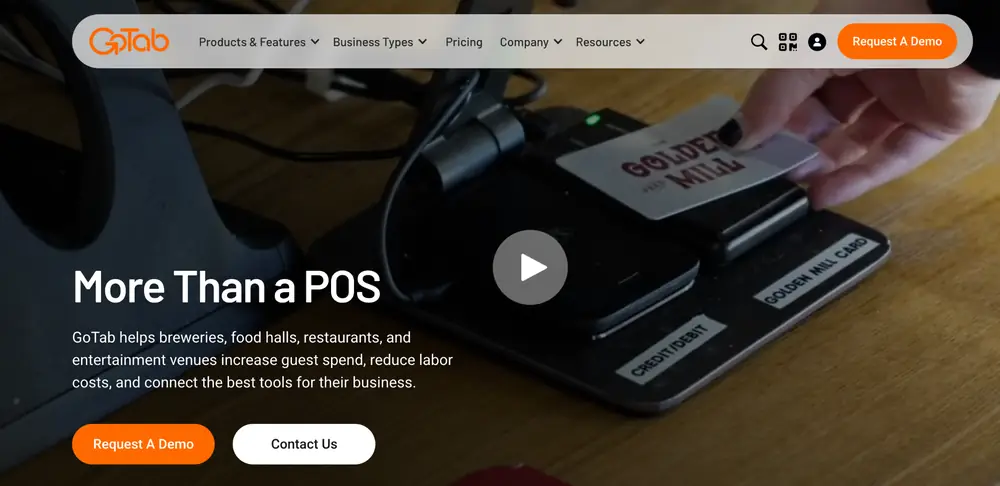
Orders.co brings POS, online ordering, delivery apps, kitchen operations, loyalty, and marketing together in one system. Instead of watching separate screens for each channel, staff work from one centralized system where DoorDash, Uber Eats, Grubhub, ezCater, direct website, phone, and dine-in orders all flow in. Orders can be managed in one place regardless of the source.
Channel by channel
Third-party apps. DoorDash, Uber Eats, Grubhub, and ezCater orders arrive automatically. Uber Eats and DoorDash chargebacks are consolidated into the dashboard, and with Advanced, they're automatically disputed after 24 hours, then escalated by email and phone.
Direct website. Orders from the restaurant's commission-free branded ordering website also arrive automatically. The website comes with loyalty and coupons.
Phone and dine-in. Phone and traditional dine-in orders require staff entry. For table-side ordering, restaurants can use Dine-In Express.
Catering. Catering runs as its own ordering site (Standard) or its own POS business on the same hardware (Advanced), with AI Dispatch routing only to DSPs capable of handling catering.
Keeping the channels in sync
The hardest part of multi-channel ordering is keeping every menu accurate. With Orders.co, restaurants centrally manage menu items, prices, modifiers, availability, and sold-out items, then push updates across connected delivery platforms and direct ordering channels instead of updating each location's channel separately. Changes appear within seconds on the POS and direct ordering websites, and within seconds to several minutes on third-party platforms.
Once orders are in, a KDS paired with the POS carries them to the kitchen. KDS software is included with advanced plans, and the Orders.co support team pairs the screen with the POS during setup. Delivery is flexible: each location manages its own delivery strategy, set as In-House Delivery, AI Dispatch Automatic, or a specific third-party provider.
Reporting follows the same logic. X and Z reports, top-seller data, and Sales by Provider reports give the same reporting structure across locations. For accounting and tax purposes, restaurants should use the official reports from the applicable marketplace.
Scale, marketing, and support
Independent restaurants get simplicity, affordability, and fewer systems to manage, and multi-location groups get the same capabilities plus centralized control. Automated SMS and email campaigns run with minimal ongoing attention, reaching inactive customers every 11 days with AI deciding what each customer receives. Onboarding typically takes 2–7 days, and true 24/7 live support is available through phone, chat, and ticketing, with Level 1–3 escalation.
Reviews in brief
Customer feedback consistently highlights easier order management, useful automation, and a straightforward interface. Reviewers note the benefit of managing POS transactions, online orders, delivery channels, menus, marketing, and loyalty without several separate systems, and smaller teams find the automated SMS and email campaigns especially useful.
2. Square
Square combines restaurant POS and payment processing with online ordering, delivery integrations, inventory tools, customer management, and other business features. Restaurants can use the same ecosystem for in-person transactions and digital orders, which can simplify operations for businesses that do not want to manage several unrelated systems.
Channel by channel
Dine-in and counter service. Square for Restaurants supports in-person ordering and payments, allowing staff to enter orders through the POS and send them through the restaurant workflow.
Direct online ordering. Restaurants can create an online ordering experience that connects with the Square ecosystem, allowing customers to place pickup or delivery orders digitally.
Third-party delivery. Square supports connections with external delivery services, giving restaurants a way to bring delivery orders closer to their existing POS workflow rather than treating them as completely separate operations.
Payments. In-person and online payments sit within the same broader Square ecosystem, which can make sales management easier for restaurants accepting transactions across several channels.
Keeping the channels in sync
Square's main advantage for multi-channel restaurants is the number of business functions that can operate within one ecosystem. Payments, online ordering, inventory, customer information, and other tools can be connected instead of being managed through separate providers.
For restaurants selling both online and in person, inventory and product information can be managed more consistently across those environments. That can reduce the need to manually reconcile information after orders have already been placed.
The platform also extends beyond the POS itself. Restaurants can use Square tools for areas such as payroll, e-commerce, bookings, and banking, depending on the needs of the business.
Scale, operations, and support
Square is particularly relevant for smaller and mid-sized food service businesses that want a relatively straightforward system for payments and restaurant operations.
Its broader business ecosystem can also make it easier for restaurants to add additional tools as they grow. A café that starts with basic payment processing, for example, can later add online ordering or other business functions without necessarily moving to an entirely different provider.
The platform processes payments at significant scale, giving restaurants access to infrastructure used across a large merchant base.
Reviews in brief
User feedback frequently highlights Square's relatively simple setup and accessible interface. Restaurant and small-business operators often value being able to manage payments and several related business functions without building a complicated technology stack.
The platform tends to appeal most to businesses that want a recognizable POS and payment ecosystem that can support both physical and digital transactions.
3. GoTab
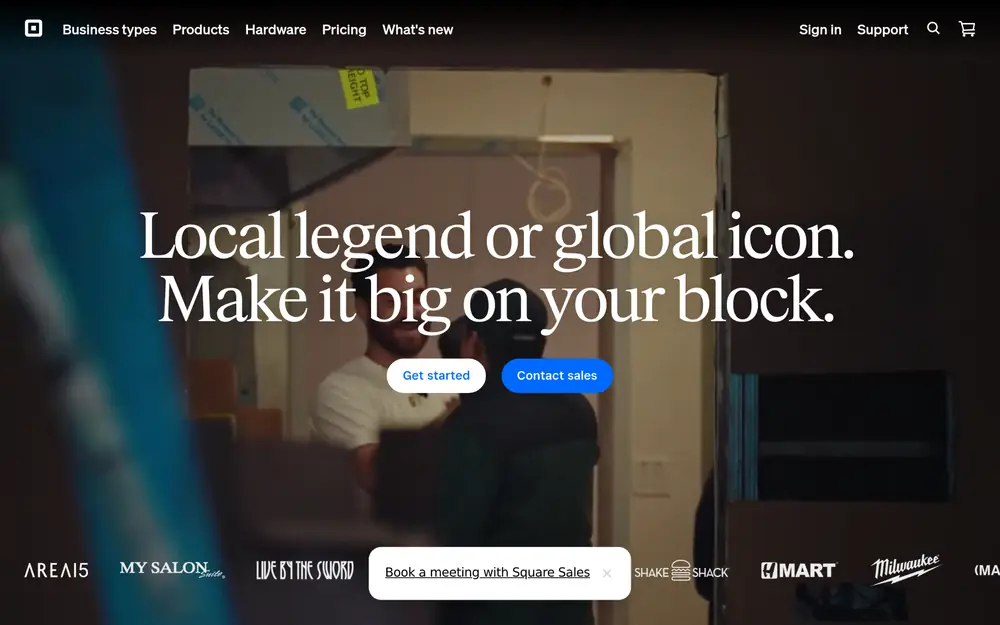
GoTab focuses on flexible ordering and payment workflows for restaurants, bars, breweries, food halls, and other hospitality businesses. Its approach is particularly suited to venues where customers may order in several different ways, including traditional staff-assisted service and QR-based ordering.
Instead of requiring every transaction to follow the same path, GoTab allows restaurants to create different ordering experiences around the same operation.
Channel by channel
Traditional POS ordering. Staff can manage standard restaurant transactions through the POS for guests who prefer conventional service.
QR ordering. Guests can scan QR codes to view menus, place orders, and pay from their own devices without downloading a separate application.
Contactless payments. Customers can complete payment digitally, which can reduce the number of steps required between ordering and closing the check.
High-volume hospitality. The system is designed for environments such as breweries, bars, and larger hospitality venues where customers may move between ordering points or use different service formats.
Keeping the channels in sync
GoTab's multi-channel approach focuses heavily on connecting guest ordering with restaurant operations.
QR orders and staff-entered transactions can feed into the restaurant's broader workflow instead of operating as completely independent ordering systems. This is particularly useful for venues that want customers to have self-service options without removing traditional service.
Kitchen management tools help route orders once they have been placed. For busy venues, keeping guest-facing ordering and kitchen operations connected can reduce the chance of orders being lost between separate devices or systems.
GoTab is also hardware-agnostic, meaning restaurants can run the platform across compatible internet-connected devices instead of replacing every piece of existing equipment.
Scale, flexibility, and operations
GoTab is geared more toward mid-sized and larger hospitality businesses than operators simply looking for a basic payment terminal.
Its flexibility is particularly relevant for restaurants with several service areas or ordering models. A venue might use traditional table service in one area, QR ordering in another, and contactless payment throughout the operation.
The platform has been used by hospitality brands including Stone Brewing Co., Barcelona Wine Bar, and Topgolf, reflecting its focus on larger and higher-volume environments.
Its transaction-based pricing model also differs from POS platforms built primarily around a standard monthly subscription.
Reviews in brief
Operator feedback often points to flexibility as one of GoTab's stronger characteristics. Businesses appreciate being able to use different device types and introduce QR ordering without rebuilding the entire technology environment.
Kitchen management and order-routing capabilities are also useful for larger venues where several ordering channels may be active during the same service period.
What makes a POS work for multi-channel ordering?
Adding more ordering channels can increase sales opportunities, but it also creates more operational complexity. Restaurants should look beyond whether a POS simply connects to delivery apps and consider what happens after those connections are active.
Centralized order management
Staff should be able to see and manage orders without constantly checking separate tablets or dashboards. The fewer manual steps between receiving an order and sending it to the kitchen, the easier it is to manage busy periods.
Menu synchronization
Prices, modifiers, availability, and sold-out items can change throughout the day. A POS that allows restaurants to manage those details centrally can reduce mistakes across direct ordering and third-party channels.
Kitchen routing
An order is only useful if it reaches the right preparation area quickly. Restaurants should examine how dine-in, delivery, online, and self-service orders move from the ordering channel into the kitchen. See creating a functional ghost kitchen space for layout and workflow considerations when delivery volume is high.
Direct and third-party ordering
Third-party marketplaces can help restaurants reach customers, while direct ordering gives businesses greater control over the customer relationship. Restaurants using both should consider how well the POS supports each type of order. Compare ghost kitchen vs traditional restaurant models when delivery is a primary channel.
Reporting across channels
Restaurants need to understand where revenue comes from. Reporting should make it possible to compare ordering channels, identify popular products, and review performance without manually combining several spreadsheets or dashboards. Pair POS reporting with restaurant analytics software habits for margin and labor decisions.
Multi-location control
For restaurant groups, channel management becomes more complicated as additional locations are added. Centralized menu management, reporting, and operational controls can reduce the amount of work required at each individual restaurant.
Choosing between the three
Orders.co, Square, and GoTab approach multi-channel restaurant operations from different directions.
Orders.co puts particular emphasis on bringing third-party delivery, direct ordering, POS transactions, phone orders, catering, kitchen operations, marketing, and reporting together. Its centralized menu tools and delivery management are especially relevant for restaurants working heavily across online ordering channels.
Square combines restaurant POS functionality with a broader payment and business-management ecosystem. It can make sense for smaller and mid-sized restaurants that want online and in-person ordering alongside payment processing and other business tools.
GoTab focuses heavily on flexible guest ordering, QR-based experiences, contactless payments, and hospitality operations. That makes it particularly relevant for larger restaurants, breweries, bars, and venues where customers may order in several different ways during the same visit.
The right system depends on where the restaurant's complexity comes from. For some businesses, the biggest challenge is consolidating delivery platforms. For others, it is connecting digital and in-person sales or giving customers more ways to order inside the venue.
The important part is choosing a POS that reduces the operational work created by additional channels rather than simply adding another system for staff to manage. Before you scale channels or open a delivery-forward concept, validate demand and trade area fit at Restaurant Site Finder and review streamlining growth with restaurant software tools for the wider tech stack.
Run a free location analysis
Enter any address to get competitor mapping, market gaps, opportunity scoring, and concept ideas.
Analyze your location free Shop equipment at Horeca Store